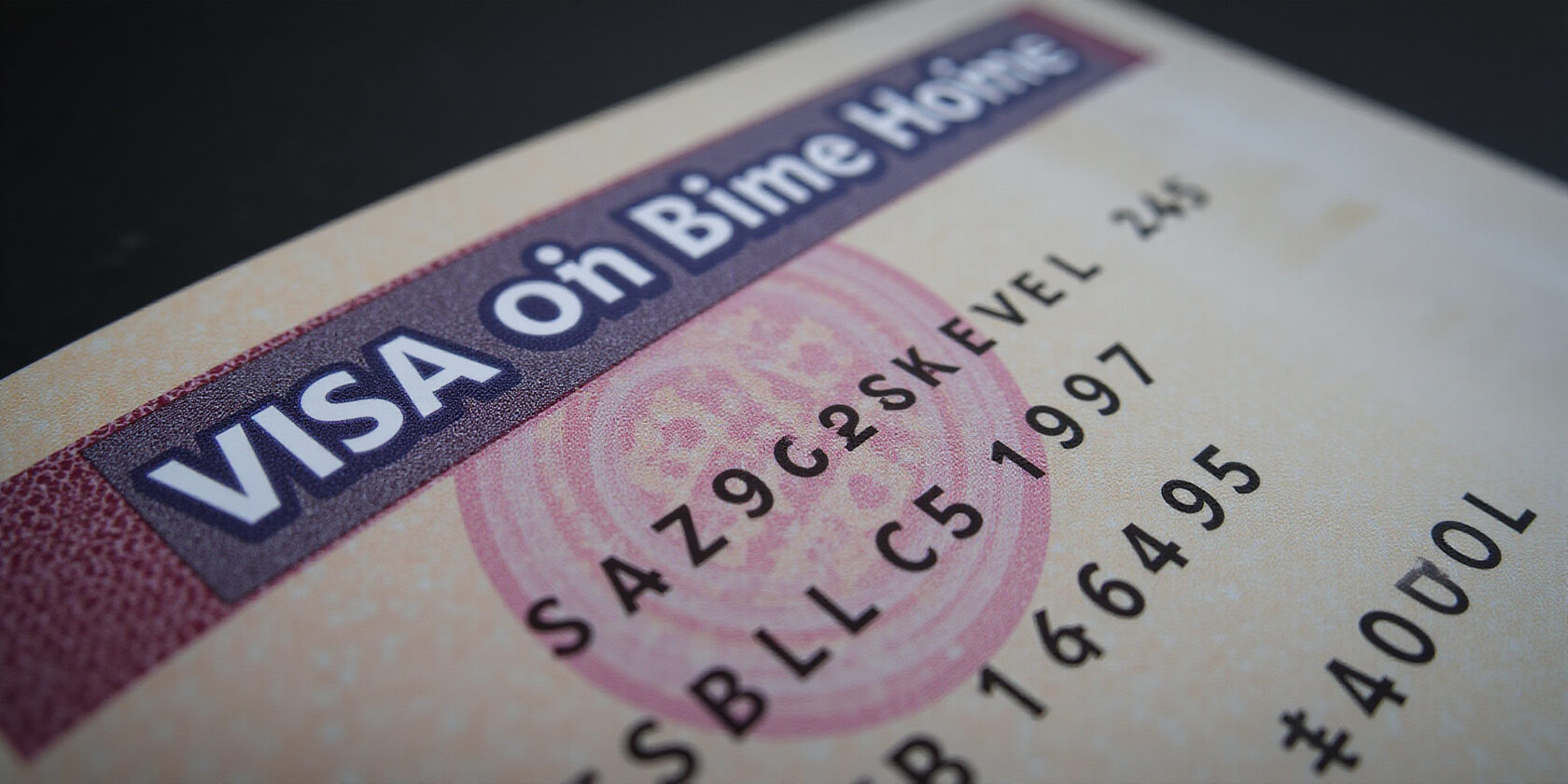
Think a visa is just a stamp? Think again.
The Unified Number is the secret handshake that unlocks every UAE immigration record.
Imagine a key that fits every lock—that’s your UID, the six‑digit code that ties your passport to your stay.
How can we use it to dodge paperwork headaches, verify employer compliance, and keep our personal data safe? Let’s dive in.
Why the Unified Visa Number Matters
The UID: Your Digital Key
The Unified Identification Number (UID) is the single, official identifier for every UAE visa.
It appears on the visa sticker, Emirates ID, and e‑visa PDF.
When you enter it into an official portal, the system instantly confirms your status, just like a fingerprint unlocks a phone.
Where It Lives on Paper and Pixels
| Document | UID Location | Visual Cue |
|---|---|---|
| Visa Sticker | Top, above File number | Bold “Unified Number / رقم الموحد” |
| Emirates ID | Bottom right, near photo | Label “UID” next to 6‑digit code |
| e‑Visa PDF | Header, below Visa Type | Same wording as sticker |
How to Grab It Online
- GDRFA Unified Number Inquiry – Visit the portal, fill passport, nationality, DOB, gender, captcha, then submit. The UID pops up, and you can download a PDF.
- MOI Portal – Navigate to E‑Services → Visa & Residency → Check Visa Status. Enter passport and UID; the system confirms validity.
- UAE Digital Platform – Input passport, optional UID, and captcha. You’ll see status and can download the e‑visa.
Each portal uses HTTPS; verify the padlock icon before typing sensitive data.
Quick Troubleshooting
| Issue | Fix |
|---|---|
| Passport not found | Double‑check number, ensure passport is valid |
| UID mismatch | Verify you’re using the 6‑digit UID, not the visa number |
| Captcha fails | Disable ad‑blockers, refresh page |
| No UID returned | Wait 24–48 hrs; data syncs later; contact GDRFA support |
Security & Practical Tips
- Use a VPN if accessing from abroad.
- Avoid public Wi‑Fi for data entry.
- Enable 2FA where possible.
- Store the PDF checklist in a password‑protected folder.
By mastering the UID, you turn a simple visa into a powerful tool for compliance, verification, and peace of mind.
Decoding the Numbers: Visa, File, and Unified IDs Explained
You’ll spot a pile of digits on a visa, but only one of them actually opens every government system. Which one is the real deal? The Unified Number is the master key that lets you verify status online and skip a lot of paperwork.
Where Each ID Appears
| Identifier | Typical Document | Visual Cue |
|---|---|---|
| Visa Number | Visa sticker, e‑visa PDF | Small numeric block beside Visa Type |
| File Number | Visa sticker, e‑visa PDF | 9‑digit code under File |
| Unified Number | Visa sticker, Emirates ID, e‑visa PDF | 6‑digit code labeled Unified Number or رقم الموحد |
Notice the Unified Number sits just above the File Number on the sticker and repeats on the Emirates ID. That repetition is a clear hint that it’s the central piece of the puzzle.
Format and Purpose
- Visa Number – 6 digits, unique to each stamp, used internally by immigration officers.
- File Number – 9 digits, a reference for the issuing authority.
- Unified Number – 6 digits, generated automatically, links passport, visa, and residency status across all UAE platforms.
The UID is the only identifier accepted by the Ministry of Interior and GDRFA portals for status checks.
Why the UID Rules the Online Check
When you log into the GDRFA Unified Number Inquiry Service, you must provide your passport number and personal details; the portal then returns the UID. If you try to use a visa number instead, the system will flag an error. This is why employers and HR teams rely on the UID to confirm employee compliance.
Official sources confirm that the UID is the sole key for online verification:
Source: Unified Number Inquiry Service, GDRFA – “The UID is the official government identifier linked to the holder’s passport and residency status.”
By mastering the UID, you can quickly check visa validity, download a confirmation PDF, and keep your records tidy. It’s the digital equivalent of a master key that fits every lock in the UAE’s immigration system.
We’re about to turn the mystery of the UAE visa into a clear‑cut visual map.
Ever seen a visa sticker and wondered which number actually matters? That six‑digit Unified Identification Number (UID) is the key that unlocks every immigration record. It sits right above the File number on the sticker, next to the photo on the Emirates ID, and tucked under the Visa Type line in the e‑visa PDF. Knowing where to find it saves you hours of paperwork and a lot of confusion.
Where the UID Appears
| Document | Location | Visual Cue |
|---|---|---|
| Visa Sticker | Top, above File number | “Unified Number / رقم الموحد” in Arabic and English |
| Emirates ID | Bottom right, beside the photo | Label UID next to the 6‑digit code |
| E‑Visa PDF | Header, below Visa Type | Same wording as the sticker |
These spots are consistent across all Emirates, Dubai, and Abu Dhabi visas, so you can spot the UID like a lighthouse on a foggy night.
Quick Visual Checklist
- Locate the top of the visa sticker – the UID sits just above the File number.
- Check the Emirates ID – the UID is in the bottom right corner, next to the photo.
- Open the e‑visa PDF – scroll to the header; the UID follows the Visa Type line.
- Verify the six digits – if it’s not six digits, you’ve got a Visa Number or File Number, not the UID.
A downloadable PDF checklist is available for offline reference.
Common Mistakes to Avoid
- Confusing the Visa Number: This is the stamp’s unique code, not the UID.
- Missing the Arabic label: The Arabic text “رقم الموحد” is a reliable signpost.
- Skipping the Emirates ID: Some people overlook the ID, thinking the visa sticker is enough.
By following this visual guide, you’ll spot the UID faster than you can say visaa.
Why the UID Matters
The UID is the single, official identifier used in the Ministry of Interior portal, the GDRFA Unified Number Inquiry Service, and the UAE Digital Platform. It’s what employers use to verify your status and what immigration uses to check your validity. When you have the UID in hand, you can instantly log into any portal, retrieve your visa status, and download a PDF confirmation.
Next Steps
Once you’ve found your UID, the next section will walk you through logging into the online portals and downloading the official confirmation. Stay tuned for step‑by‑step instructions and troubleshooting tips.
UAE Visa Number Lookup: Official Portals Unveiled
Meta description: This guide explains how to find your UAE visa number using the GDRFA, MOI, and UAE Digital Platform portals, with step‑by‑step instructions, security tips, and a downloadable PDF checklist.
UAE Visa Number Lookup
The UAE visa number (also called the unified number) is a six‑digit code printed on the visa sticker, Emirates ID, and e‑visa documents. It differs from the file number, which is a longer alphanumeric reference used by immigration staff. Knowing the distinction helps you verify status quickly.
1. GDRFA Unified Number Inquiry Service
- Visit the GDRFA portal at https://www.gdrfa.gov.ae.
- Click Find my Unified Number.
- Enter your passport number, nationality, date of birth, and gender.
- Complete the captcha.
- The six‑digit UID appears on the screen.
- Click Download PDF to save a confirmation for your records.
2. Ministry of Interior (MOI) Visa Status Check
- Go to the MOI e‑services page at https://www.moi.gov.ae.
- Navigate to E‑Services → Visa & Residency → Check Visa Status.
- Enter your passport number and, if you know it, the UID.
- The system confirms validity and displays the UID if it matches.
- Use the Print button to keep a copy.
3. UAE Digital Platform – Unified Tracking
- Open the UAE Digital Platform at https://digitalplatform.gov.ae.
- Select Track Visa Application & Validity.
- Input your passport number, optional UID, and solve the captcha.
- The portal shows your visa status, expiry date, and lets you download the e‑visa PDF.
Security & Best Practices
All portals use HTTPS. When accessing from abroad, use a reputable VPN to avoid IP blocks and avoid public Wi‑Fi when entering passport data.
Troubleshooting Quick‑Fixes
- Passport not found? Double‑check the number and ensure the passport is active.
- UID mismatch? Verify you’re using the six‑digit UID, not the visa or file number.
- Captcha failure? Disable ad‑blockers or refresh the page.
PDF Checklist
Download a ready‑made PDF checklist to keep offline: UAE Visa Number Checklist.
FAQ
What is a UAE visa number?
A UAE visa number is a six‑digit unified number printed on the visa sticker, Emirates ID, and e‑visa documents.
Can I retrieve my visa number online?
Yes, through the GDRFA, MOI, or UAE Digital Platform portals listed above.
Where can I find my visa number on a visa sticker?
It appears near the top of the sticker, usually labeled “Unified Number” or “UID”.
How do I verify my UAE visa status?
Use the MOI or UAE Digital Platform portal to check status by entering your passport number and UID.
Is the UAE Digital Platform the best option for employers?
Yes, it aggregates all data and provides a quick snapshot of employee status.
Do I need a VPN to access these portals?
If you are abroad, a VPN is recommended to avoid IP blocks and ensure secure connections.
Can I print the visa confirmation?
Yes, each portal offers a print or PDF download option.
What should I do if I cannot find my visa number?
Contact the nearest UAE immigration office or the portal’s support line for assistance.
Every UAE visa sticker carries two key identifiers: the visa number and the file number.
The visa number is a unique 6‑digit code printed on the sticker, while the file number is a longer alphanumeric reference that shows up on the Emirates ID and official e‑visa documents. Knowing which one to use is crucial when checking status or verifying employment records.
1. Locate the Unified Number on the visa sticker
On most e‑visas and physical stickers the 6‑digit Unified Number (sometimes called the UID) sits just above the file number. It is the identifier that all government portals use to pull up your residency information.
2. Check your status via the GDRFA portal
- Visit the GDRFA Unified Number Inquiry Service: https://www.gdrfad.gov.ae/en/unified-number-inquiry-service
- Click “Find my Unified Number.”
- Enter your passport number, nationality, date of birth, gender, and solve the captcha.
- Submit and the Unified Number will be displayed. You can download it as a PDF for record‑keeping.
3. Verify with the Ministry of Interior (MOI) portal
- Go to the MOI e‑Services page: E‑Services → Visa & Residency → Check Visa Status.
- Enter your passport number and the Unified Number you just retrieved.
- The portal confirms the validity of your visa and shows the same Unified Number, ensuring consistency across agencies.
4. Employers: Quick verification
After you have the Unified Number, copy it into your HR system’s employee record field. Most modern HR platforms accept the Unified Number as a unique residency identifier, eliminating the need for manual phone calls and ensuring compliance during audits.
5. Security best practices
- Always use HTTPS; look for the padlock icon in your browser.
- If you are outside the UAE, connect through a reputable VPN to avoid IP blocks.
- Avoid public Wi‑Fi when entering passport data.
- Enable two‑factor authentication if the portal offers it.
6. Troubleshooting common errors
- “Passport not found”: double‑check the passport number and expiration date.
- Unified Number mismatch: you may have entered the visa number instead—look for the 6‑digit block above the file number.
- Persistent errors: consult the GDRFA help centre or use the “Contact us” link on the portal.
7. PDF checklist
Download a PDF checklist that captures each step—document verification, online retrieval, troubleshooting, and security reminders. Store it in a password‑protected folder or print it for quick reference.
With the Unified Number in hand, you’re ready to navigate any visa status query with confidence.
Troubleshooting Common Pitfalls and Security Best Practices
Finding your UAE visa number is a breeze once you know where to look and how to verify it online. This guide walks you through each step—from spotting the number on your visa documents to using the official portals—and gives you a quick security checklist to keep your info safe.
Visa Number Basics
- Visa number – a unique identifier printed on the visa sticker (the green or blue part of the e‑visa) and on the Emirates ID.
- File number – the internal case number used by immigration authorities; it appears on the e‑visa PDF but is not the same as the visa number.
- Knowing the difference helps you avoid confusion when checking your status.
Where to Find the Visa Number
- Visa sticker – the 8‑digit number is printed on the front of the sticker.
- Emirates ID – the number is listed under “Passport No.” on the ID card.
- Official e‑visa PDF – open the PDF and look for “Visa No.” or “File No.” in the header.
Step‑by‑Step Verification
1. UAE Ministry of Interior (MOI) Portal
- Visit the MOI e‑visa portal: https://u.ae/en/information-and-services/visa-and-emirates-id/track-visa-application-and-validity
- Click “Visa Verification.”
- Enter your passport number, date of birth, and the 8‑digit visa number.
- Click “Check Status.” A confirmation page will display your visa details.
2. GDRFA Portal
- Go to https://www.gdrfad.gov.ae/en
- Choose “Visa & Residency” → “Visa Verification.”
- Input your passport number and the visa number.
- Submit to view status and download the visa PDF.
Common Troubleshooting Tips
- Mismatched passport numbers – make sure you’re using the exact passport number shown on your ID; copy‑paste from the ID scanner to avoid typos.
- Captcha failures – disable ad‑blockers, refresh the page, and use a modern browser that supports JavaScript.
- Portal outages – check the official status pages or the “Help” section of each portal. If the site is down, wait 30 minutes and try again.
Security Checklist
- Verify the HTTPS padlock before entering personal data.
- Enable 2FA on all government portals.
- Use a reputable VPN when accessing from abroad.
- Avoid public Wi‑Fi; use a personal hotspot or a trusted network.
- Store your Emirates ID and visa PDF in a password‑protected folder.
Need Help?
If you can’t locate your visa number or hit an error you can’t fix, head to the help center on each portal. You can also reach the UAE immigration support team through the “Contact Us” form on the MOI or GDRFA websites.
Downloadable Resources
- Visa Number Verification Checklist (PDF) – a PDF checklist is available in the article’s resources section.
Take Action: PDF Checklist, Support Contacts, and Next Steps
We’re almost there. Have you saved the Unified Number that unlocks all your visa records? Think of it as a key that opens every door. If not, grab our free PDF checklist before you hit the road.
Download the PDF checklist here.
Next Steps
- Store the Unified Number in a secure folder.
- Use the Unified Number in HR systems to confirm employment status.
- Check visa validity monthly via GDRFA or MOI portals.
- If you spot an error, contact support immediately.
The PDF checklist is your Swiss‑army knife for visa management. Print it, laminate it, and keep it in the same folder as your passport. When you travel, show the Unified Number to airline staff; it speeds up check‑in. If you forget the Unified Number, use the GDRFA portal’s search tool; it auto‑populates after a few clicks. Remember to update your contact details on the portal; a stale email can block your Unified Number retrieval.
For employers, the Unified Number is the single source of truth for employee residency status. Use it in payroll software to prevent legal hiccups. Keep the PDF and Unified Number in a password‑protected cloud folder. If you encounter a mismatch, contact GDRFA support for assistance. You can also contact the UAE Digital Platform support chat for real‑time help.
Stay compliant, stay confident, and keep your visa data at your fingertips. Finally, bookmark the GDRFA and MOI portals; they update every 24 hours. Set a calendar reminder to review your visa status before expiry and adjust accordingly.
Now that you have the Unified Number, keep it safe and use it to verify your status anytime. Ready to stay compliant? Let’s go!
